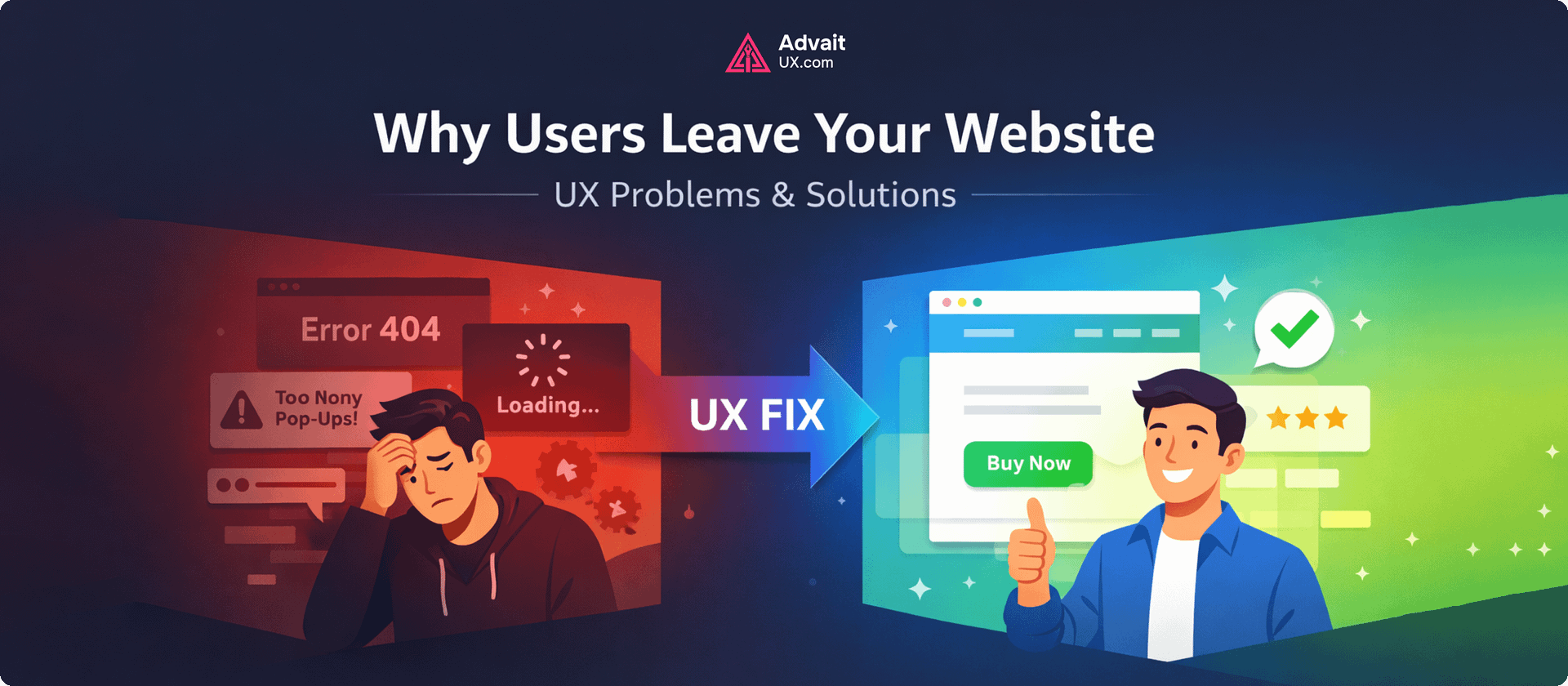
Short answer: Users leave a website because of slow load times, unclear value, confusing navigation, intrusive popups, weak mobile UX, or a form/checkout that asks too much. Most are UX problems, not traffic problems — fixing the top exit pages typically outperforms paying for more traffic. (Further reading: NN/g — why people leave web pages.)
📅 Last updated: June 6, 2026
⏱ 6 min read · 1,308 words
Related reading: see how good UX increases revenue and A/B testing to improve UX. Want help applying this to your product? Explore our UI/UX design services.
Have you ever wondered why users visit your website—and then leave within seconds? You may have great content, strong branding, or even competitive pricing, but if your user experience falls short, none of it matters.
Understanding the UI and UX Design Definition is the first step toward solving this problem. UX (user experience) focuses on how users interact with your website, while UI (user interface) shapes how it looks and feels. Together, they determine whether users stay, engage, or leave.
In this article, we’ll explore the most common UX problems that drive users away—and more importantly, how to fix them with practical, real-world solutions.
The Real Reason Users Leave Your Website
Users don’t leave randomly. They leave because something doesn’t feel right.
It could be confusion, frustration, slow performance, or simply a lack of clarity. When a website fails to meet expectations quickly, users move on—often to a competitor.
A professional ui ux design service focuses on identifying these friction points and removing them before they impact your business.
1. Slow Loading Speed
Why Slow Load Times Drive Users Away
Speed is one of the biggest reasons users abandon websites. If your page takes more than a few seconds to load, users lose patience.
How to Fix Your Website Speed
Optimize images, reduce unnecessary scripts, and use efficient hosting. A fast website creates a strong first impression and keeps users engaged.
In real UX projects, even a one-second improvement in load time can significantly increase conversions.
2. Confusing Navigation
Why Poor Navigation Frustrates Visitors
When users can’t find what they’re looking for, they leave. It’s that simple.
Complex menus, unclear labels, or too many options create friction.
How to Create Intuitive Navigation
Simplify your navigation. Use clear, familiar terms and organize content logically.
A skilled UI Design Agency ensures that navigation feels intuitive—users should never have to think twice about where to click.
3. Poor Mobile Experience
Why Bad Mobile UX Costs You Users
Most users browse on mobile devices. If your website isn’t mobile-friendly, you’re losing a large portion of your audience.
How to Optimize for Mobile Visitors
Adopt a mobile-first approach. Ensure responsive layouts, readable text, and easy-to-tap buttons.
A well-designed mobile experience is no longer optional—it’s essential.
4. Lack of Clear Messaging
Why Unclear Messaging Confuses Users
Users should understand what your website offers within seconds. If your messaging is unclear, they won’t stay to figure it out.
How to Communicate Your Value Clearly
Use simple, direct language. Highlight your value proposition clearly on the homepage.
Good UX design aligns content with user intent, making information easy to scan and understand.
5. Overwhelming Design & Clutter
Why Cluttered Pages Overwhelm Users
Too many elements on a page can overwhelm users. Visual clutter makes it harder to focus and take action.
How to Simplify Your Page Design
Embrace simplicity. Use whitespace, clean layouts, and a clear visual hierarchy.
Understanding the ui and ux design definition helps designers balance aesthetics with usability—creating designs that are both attractive and functional.
6. Weak or Missing Call-to-Action (CTA)
Why Weak CTAs Kill Your Conversions
If users don’t know what to do next, they’ll do nothing—and leave.
How to Write CTAs That Convert
Use clear, action-oriented CTAs like:
- “Get Started”
- “Book a Consultation”
- “Explore Services”
A strong CTA guides users naturally through your website journey.
7. Inconsistent Design Experience
Why Design Inconsistency Breaks Trust
When design elements change across pages—colors, fonts, layouts—it creates confusion and reduces trust.
How to Build a Consistent Design System
Maintain consistency across your website. A cohesive design system improves usability and strengthens your brand identity.
This is where a professional UI UX Design Service adds real value—ensuring every detail aligns with a unified experience.
8. Ignoring User Feedback & Behavior
Why Ignoring User Data Causes Drop-offs
Many websites are designed based on assumptions rather than real user data.
How to Use Feedback to Improve UX
Use analytics, heatmaps, and user feedback to understand behavior.
Real-world UX improvements often come from observing how users actually interact with your website—not how you think they do.
9. Poor Readability & Content Structure
Why Poor Typography Loses Readers
Large blocks of text, complex language, and poor formatting make content hard to read.
How to Improve Content Readability
Break content into short paragraphs, use headings, and keep language simple.
Readable content improves engagement and supports both UX and SEO.
10. Lack of Trust Signals
Why Visitors Don’t Trust Your Site
Users hesitate to engage if your website doesn’t feel trustworthy.
How to Build Website Credibility
Include testimonials, case studies, clear contact information, and professional design elements.
A credible ui design agency understands how to build trust through design, content, and user flow.
Real-World Insight: Why Small UX Fixes Matter
From practical experience, one thing is clear—small UX improvements can lead to big results.
For example, simplifying a form from 8 fields to 4 can increase conversions dramatically. Improving button visibility or adjusting layout spacing can reduce bounce rates instantly.
At AdvaitUX, projects often begin by identifying these small but impactful issues. The goal isn’t to redesign everything—it’s to improve what truly matters to users.
How UX Design Impacts SEO & Business Growth
User experience and SEO go hand in hand. Search engines prioritize websites that provide value and usability.
When users stay longer, interact more, and navigate بسهولة, your rankings improve.
A well-optimized website supported by a strong ui ux design service can:
- Reduce bounce rates
- Increase time on site
- Improve conversion rates
- Boost search visibility
In other words, better UX leads to better business outcomes.
Practical Steps to Improve Your Website UX
If you’re unsure where to start, here are simple actions you can take today:
- Test your website speed
- Review navigation structure
- Optimize for mobile devices
- Simplify your content
- Add clear CTAs
- Gather user feedback
Even small improvements can create noticeable results.
Conclusion: Turn User Drop-Off into Opportunity
When users leave your website, it’s not a failure—it’s feedback.
Each exit point highlights an opportunity to improve. By understanding common UX problems and applying thoughtful solutions, you can transform your website into a powerful, user-friendly platform.
From real-world experience, the most effective websites are not the most complex—they are the most intuitive. They guide users effortlessly, communicate clearly, and create a sense of trust from the very first interaction.
At AdvaitUX, the focus is on designing experiences that truly work—combining strategy, usability, and clean design to help businesses grow.
If you’re ready to reduce bounce rates and create a website users actually enjoy, now is the time to act.
Visit AdvaitUX.com to explore professional UX solutions
Reach out for a consultation and discover how expert design can transform your website
A better user experience isn’t just good design—it’s good business.
💡 Working on your own product? Start with a structured UX audit to surface the highest-impact friction in 1–3 weeks, or get in touch to scope a project with our Austin-based team. You can also see our recent UI/UX projects for examples.
Frequently Asked Questions
Why do users leave a website?
Users leave because of slow load times, unclear value, confusing navigation, intrusive popups, weak mobile experience, or a form/checkout that asks for too much. Most of these are UX problems, not traffic problems.
How do you reduce bounce rate?
Identify the top exit pages in analytics, watch session recordings, fix the biggest friction first (load speed, clarity of next step), then test improvements. UX fixes typically outperform paid traffic in retaining the visitors you already have.
About the Author
Darshan Italiya is the Founder & UX Lead at AdvaitUX, a UI/UX design agency based in Austin, TX. A Google-certified UI designer with 7+ years of experience and 70+ shipped product designs, he writes about user-centered design, UX strategy, and conversion-focused interfaces. Learn more about AdvaitUX or connect on LinkedIn.