Key Takeaways
- AI UX design uses data and behavior patterns to shape experiences in real time, rather than relying on one fixed design for every user.
- The biggest wins from AI in UX come from reducing friction — not from adding visible “AI features” for their own sake.
- SaaS products benefit especially from AI in onboarding, dashboards, and churn prediction, since these areas are data-rich and highly personal to each user.
- Good AI UX design keeps users in control and explains what the system is doing — trust breaks quickly when AI feels like a black box.
- AI won’t replace UX designers. It changes what designers focus on, shifting attention toward judgment, ethics, and system-level thinking rather than pixel-level decisions alone.
- The most common failure isn’t bad AI — it’s AI added without a clear problem to solve, which confuses users instead of helping them.
- The future of UX is adaptive: interfaces that reshape themselves around behavior, intent, and context, instead of asking users to adapt to the interface.
A few years ago, “good UX” meant clean layouts, logical flows, and fewer clicks to get things done. That’s still true. But something has shifted underneath it.
Products today don’t just respond to users anymore — they start to anticipate them. A dashboard that rearranges itself based on what you actually use. A SaaS tool that nudges a new user toward the one feature that will make them stick around. A search bar that understands what you meant, not just what you typed.
That shift has a name: AI UX design. It’s the practice of designing digital products where artificial intelligence doesn’t sit in the background as a feature — it actively shapes how the experience behaves for each person using it.
For SaaS founders and product teams, this isn’t a trend to watch from a distance. It’s becoming the baseline expectation. Users who’ve experienced personalized, adaptive products elsewhere quietly compare every other product against that standard — even if they never say it out loud.
The businesses paying attention to this early aren’t necessarily the ones with the biggest AI budgets. They’re the ones asking a simpler question: where in our product would intelligence actually reduce friction, instead of adding a gimmick?
That’s the lens this article is written through.
What Is AI UX Design?
AI UX design is the practice of using artificial intelligence — machine learning models, behavioral data, natural language processing — to shape how a product looks, responds, and evolves for each individual user.
Traditional UX design works from a shared blueprint. A designer studies user research, builds personas, maps journeys, and creates one experience meant to work reasonably well for most people. It’s thoughtful, but it’s static. Every user, regardless of how they actually behave, sees roughly the same interface.
AI-powered UX breaks that mold. Instead of one experience for everyone, the product adjusts based on real signals — what a user clicks, how long they hesitate, what they ignore, what they search for repeatedly. The interface becomes less of a fixed structure and more of a living system that responds to behavior.
This matters more now for a simple reason: products have gotten complex, and users have gotten impatient. A SaaS tool might have twenty features, but a new user only cares about the two that solve their immediate problem. AI helps surface exactly those two, instead of asking the user to hunt for them.
It’s not about making interfaces “smarter” in some vague sense. It’s about making them situationally relevant — showing the right thing, to the right person, at the right moment.
Why AI Is Changing the Future of User Experience
A few forces are pushing this shift, and they reinforce each other.
Personalization at scale. Designers used to personalize manually — segment users into a handful of groups and design for each. AI removes that ceiling. A product can now personalize for thousands of micro-segments, or even individuals, without a designer manually configuring each variation.
Automation of repetitive decisions. Many UX flows exist just to ask users questions the product could reasonably infer. AI lets products skip steps by predicting intent — pre-filling forms, suggesting the next action, auto-categorizing content — so users spend less time operating the tool and more time getting value from it.
Smarter decision-making inside the product. Recommendation engines, prioritization systems, and smart defaults all rely on AI making a judgment call so the user doesn’t have to. Done well, this feels like the product “gets” the user.
Predictive experiences. Instead of reacting to what a user just did, AI-driven products increasingly anticipate what they’re about to do — surfacing help before someone gets stuck, or suggesting an upgrade path before churn risk sets in.
Better customer journeys. When personalization, automation, and prediction work together, the journey stops feeling like a maze the user has to navigate. It starts feeling like a path the product is walking alongside them.
None of this replaces good design thinking. It gives design thinking more precise tools to work with.
Benefits of AI UX Design for Digital Products
Personalized User Experiences
Two users can open the same product and see meaningfully different things — different onboarding steps, different default views, different suggested actions — based on their role, behavior, or goals. This isn’t about surface-level customization like changing a theme color. It’s about the product reshaping its structure around what each person actually needs.
Faster and Smarter User Interactions
Autocomplete, smart search, predictive input — these small moments add up. When a product removes unnecessary steps by predicting what a user wants next, interactions feel lighter. Users don’t consciously notice this as “AI.” They just notice the product feels fast and easy.
Better Product Recommendations
Recommendation systems — whether suggesting a next feature, a relevant document, or a related product — work because they’re grounded in actual usage patterns, not guesswork. Good recommendations feel like a helpful colleague pointing something out. Bad ones feel like clutter. The difference usually comes down to how well the underlying data reflects real user intent.
Improved User Engagement and Retention
Products that adapt to behavior tend to hold attention longer, because they keep matching what users are actually trying to do. AI can also flag early signs of disengagement — a user who stopped opening a key feature, a workflow someone abandoned halfway — so teams can intervene with the right nudge before the user quietly drifts away.
Data-Driven UX Decisions
Beyond the live product experience, AI helps design teams make better decisions. Instead of relying purely on intuition or small-sample usability tests, teams can analyze behavioral data at scale to see where users genuinely struggle, and design around real patterns rather than assumptions.
How AI Helps SaaS Products Create Better Experiences
SaaS products are a natural fit for AI-driven UX, mostly because they generate so much behavioral data and carry so much complexity.
Onboarding is often the first place this shows up. Instead of a generic product tour, AI can tailor onboarding based on a user’s role, stated goals, or early behavior — skipping steps that don’t apply and emphasizing the ones that do. A marketer and a developer using the same tool shouldn’t necessarily see the same first five minutes.
Dashboards benefit enormously from intelligent prioritization. Rather than displaying every metric with equal weight, AI can surface what’s most relevant to a specific user’s role or recent activity, cutting through dashboard clutter that overwhelms so many SaaS tools.
Analytics inside the product itself — usage heatmaps, feature adoption tracking, drop-off points — give design and product teams a continuous feedback loop, rather than relying on quarterly research sprints.
Customer behavior patterns, tracked over time, help predict what a user is likely to need next, which supports smarter in-app guidance instead of generic email campaigns.
Reducing churn is where a lot of this comes together. AI models can flag accounts showing early warning signs — reduced logins, ignored key features, support tickets clustering around confusion — long before a cancellation happens. That gives customer success teams a real window to act, and gives design teams a signal about where the product itself might be failing users.
Real Examples of AI in UX Design
- AI assistants embedded directly in products, helping users complete tasks through conversation instead of navigating menus.
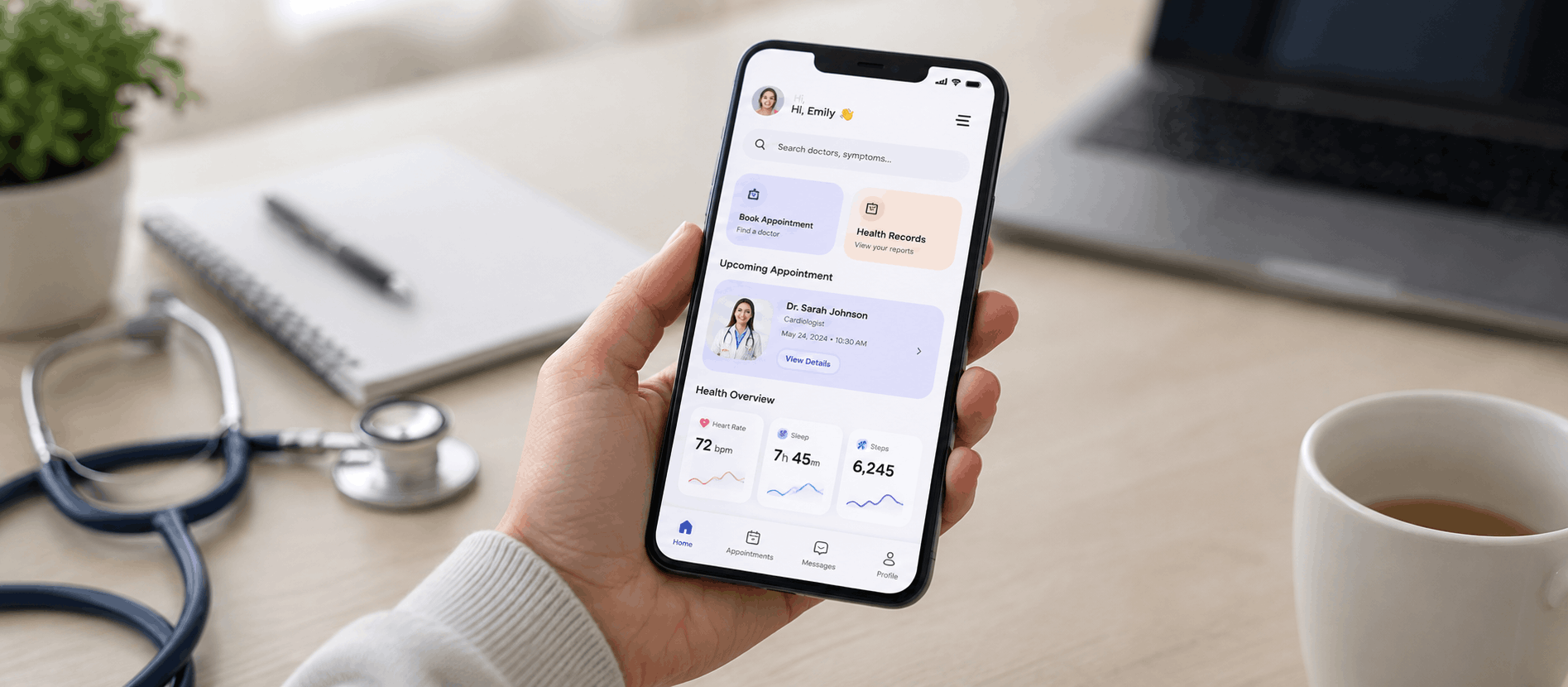
- Personalized dashboards that reorganize based on role, usage frequency, or recent activity.
- Recommendation systems, common in SaaS tools, that suggest templates, content, or next steps based on similar user behavior.
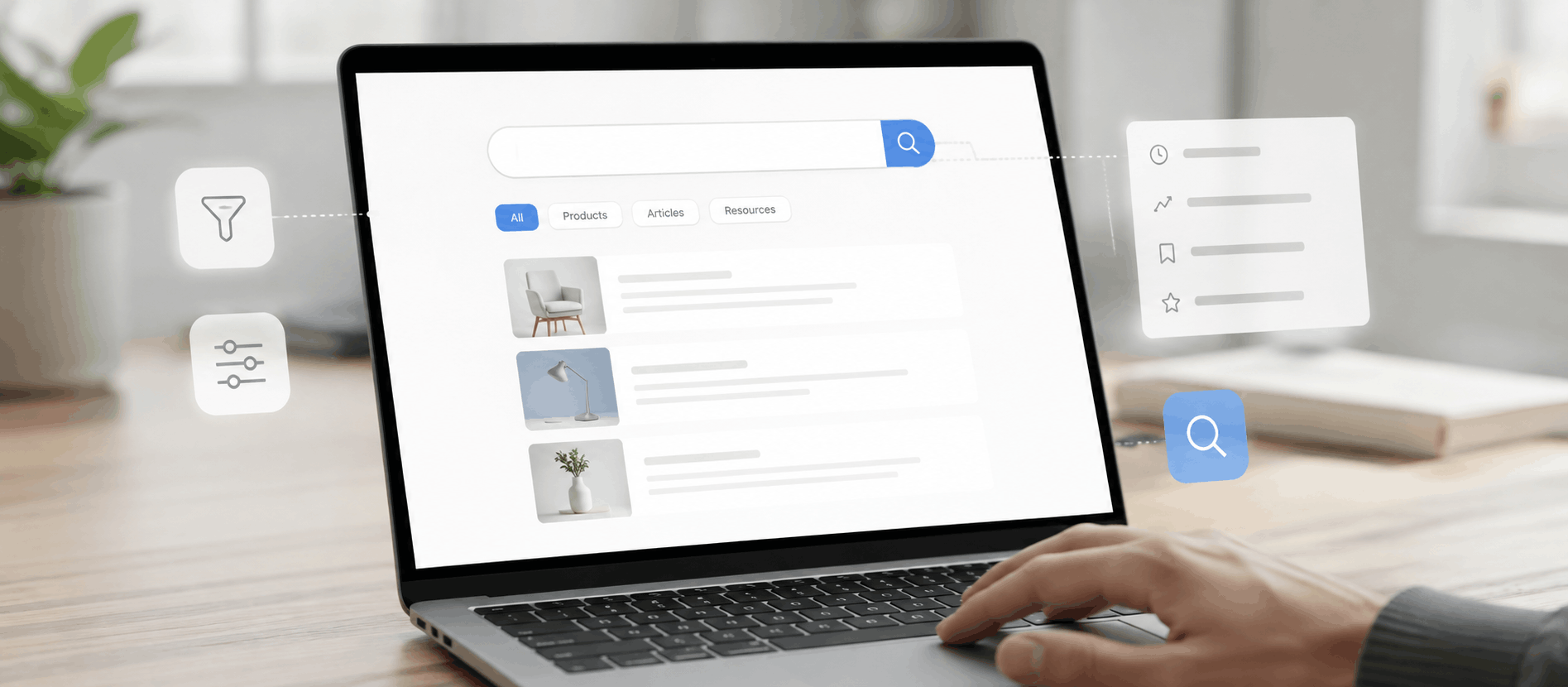
- Smart search, which understands intent and context rather than requiring exact keyword matches.
- Predictive analytics, used internally by teams and sometimes surfaced to end users, to forecast trends, usage, or risk.
These aren’t futuristic concepts. Most people interact with several of these every week without necessarily labeling them “AI UX.”
AI UX Design Best Practices
1. Keep users in control. Automation should assist decisions, not silently make them on a user’s behalf without a way to review or override. Users trust systems they can steer.
2. Design transparent AI experiences. When a product recommends something or takes an automated action, a brief, honest explanation of “why” builds far more trust than a black-box result. “Because you use X often” goes a long way.
3. Protect user trust. AI systems often rely on personal or behavioral data. Being clear about what’s collected and how it’s used isn’t just a compliance checkbox — it directly affects whether users feel comfortable letting the product personalize anything at all.
4. Use AI to solve real problems. The starting point should always be a genuine user friction point, not a desire to have an “AI feature” on a landing page. If AI doesn’t measurably reduce effort or improve a decision, it’s not earning its place in the interface.
5. Balance automation with human experience. Full automation isn’t always the goal. Some moments — a cancellation flow, a sensitive support interaction — still benefit from a clearly human, non-automated touch. Knowing where to hold back matters as much as knowing where to automate.
Common Mistakes Companies Make With AI UX
Adding AI without purpose. The most common mistake is treating AI as a checkbox rather than a solution. A chatbot bolted onto a product that doesn’t actually need one doesn’t improve UX — it adds a layer users have to work around.
Confusing users. When AI-driven changes aren’t explained, users often assume something is broken rather than personalized. An interface that looks different every time someone logs in, with no context, feels unstable rather than intelligent.
Ignoring privacy. Personalization requires data, and users are increasingly aware of that trade-off. Companies that don’t clearly communicate data use tend to see personalization efforts backfire as trust issues.
Replacing human-centered design. AI is a tool for better decisions, not a replacement for understanding real users. Teams that lean entirely on data models while skipping direct user research tend to build technically clever products that miss emotional and contextual nuance.
The Future of AI UX Design
A few directions seem likely to shape the next several years of product design.
Deeper AI personalization — moving beyond segment-based personalization toward experiences tuned to an individual’s specific patterns, not just their demographic or role.
Adaptive interfaces — layouts and flows that restructure themselves in real time based on context, rather than static designs that only change through manual redesigns.
Intelligent products as a baseline expectation — much like mobile responsiveness became non-negotiable a decade ago, some baseline level of adaptive intelligence is likely to become an expected standard rather than a differentiator.
AI-powered SaaS experiences that extend beyond the product itself — anticipating support needs, guiding upgrades, and personalizing communication based on actual usage rather than generic lifecycle stages.
None of this suggests design becomes less important. If anything, it raises the bar — because designing a system that behaves intelligently across many different users and contexts is a harder problem than designing one fixed interface.
How AdvaitUX Helps Build Better Product Experiences
At AdvaitUX, we work with startups and SaaS teams who are trying to figure out where intelligence genuinely belongs in their product — and, just as often, where it doesn’t.
That usually starts with understanding real user behavior: where people get stuck, what they ignore, what they come back for. From there, we help design onboarding flows, dashboards, and product experiences that feel considered rather than automated for its own sake — whether or not AI ends up being part of the solution.
The goal isn’t to make a product look futuristic. It’s to make it easier to use, easier to stick with, and easier to grow. If that involves AI-driven personalization, great. If a simpler, well-structured flow solves the same problem, that’s just as valid an outcome.
If you’re a founder or product lead thinking about where smarter design could reduce friction in your product, that’s a conversation worth having early — before decisions get expensive to undo.
FAQS
1. What is AI UX design?
AI UX design refers to designing digital product experiences that use artificial intelligence — such as machine learning and behavioral data analysis — to personalize, automate, or predict parts of the user journey. Instead of one static experience for all users, the product adapts based on individual behavior and context.
2. How is AI changing UX design?
AI is shifting UX from a one-size-fits-most approach to a dynamic, data-informed approach. Designers now think about systems and rules that let a product respond intelligently across many different users, rather than designing a single fixed flow. Research and testing are also increasingly informed by large-scale behavioral data rather than small user samples alone.
3. Will AI replace UX designers?
It’s very unlikely. AI is a tool that handles pattern recognition and personalization at scale, but it can’t replace human judgment about ethics, emotional nuance, brand feel, or what actually matters to a specific business and its users. Designers’ roles are shifting toward guiding how AI is used responsibly and effectively, rather than being replaced by it.
4. How does AI improve user experience?
AI improves UX primarily by reducing friction — surfacing relevant content, predicting next steps, personalizing flows, and flagging issues before they become bigger problems. The improvement isn’t usually visible as a distinct “AI feature.” It shows up as a product that simply feels easier and more relevant to use.
5. Why is AI important for SaaS products?
SaaS products generate continuous behavioral data and often serve very different types of users within one product. AI helps SaaS teams personalize onboarding, prioritize dashboard content, predict churn, and understand usage patterns at a scale manual analysis can’t match — which directly affects retention and growth.
6. What are examples of AI in UX design?
Common examples include in-product AI assistants, personalized dashboards, recommendation systems, smart search that understands intent, and predictive analytics used to anticipate user needs or flag risk. Most of these are already common in everyday SaaS tools, even when users don’t consciously notice the AI behind them.
Conclusion
AI UX design isn’t about chasing a trend — it’s about recognizing that users increasingly expect products to meet them where they are, instead of asking them to adapt to a fixed interface. The companies getting this right aren’t necessarily using the most advanced technology. They’re the ones asking the right questions: where does intelligence actually reduce friction, and where does it just add noise?
For SaaS founders and product teams, that question is worth sitting with before adding any AI feature. Done thoughtfully, AI-driven UX can make a product feel less like software and more like something that genuinely understands the person using it. Done carelessly, it just adds another layer between users and what they’re actually trying to accomplish.
Getting that balance right is, at its core, still a design problem — AI is just a new set of tools for solving it.