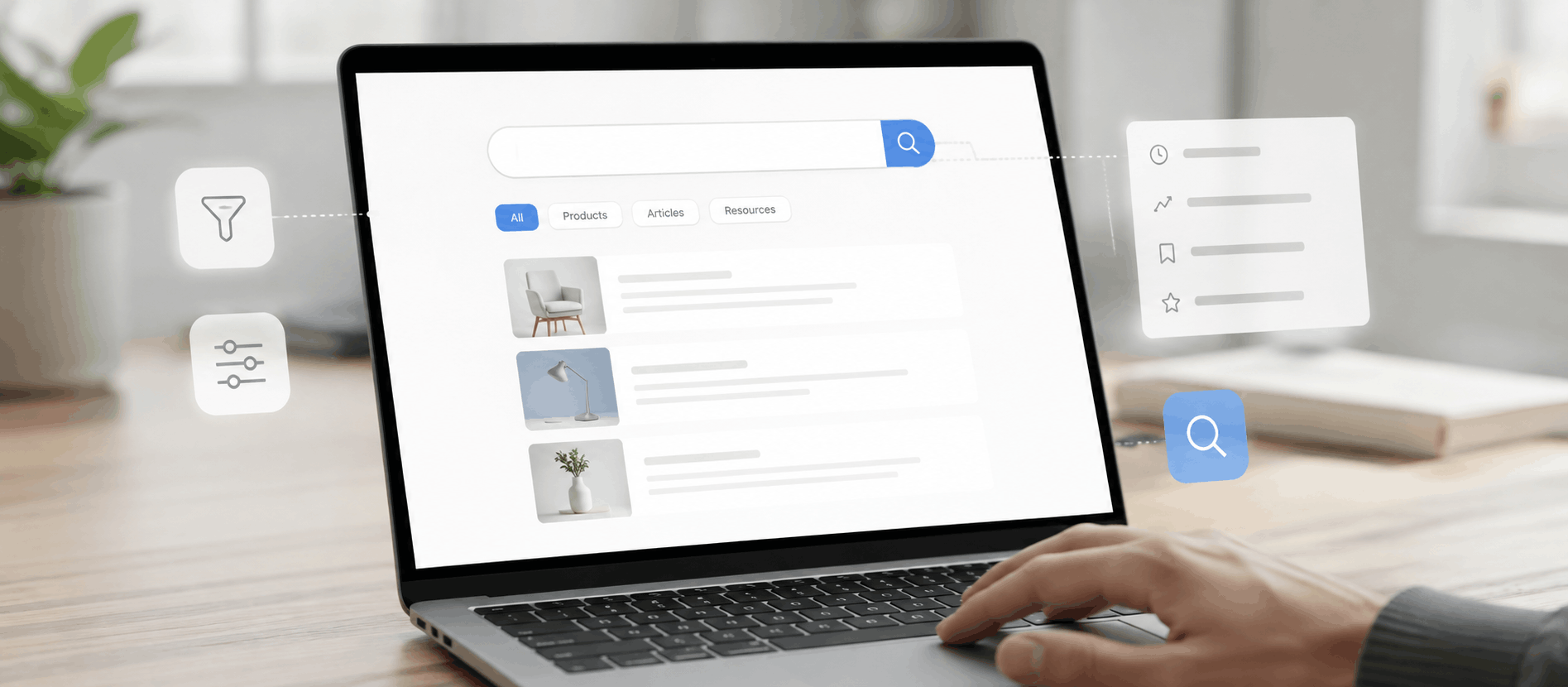
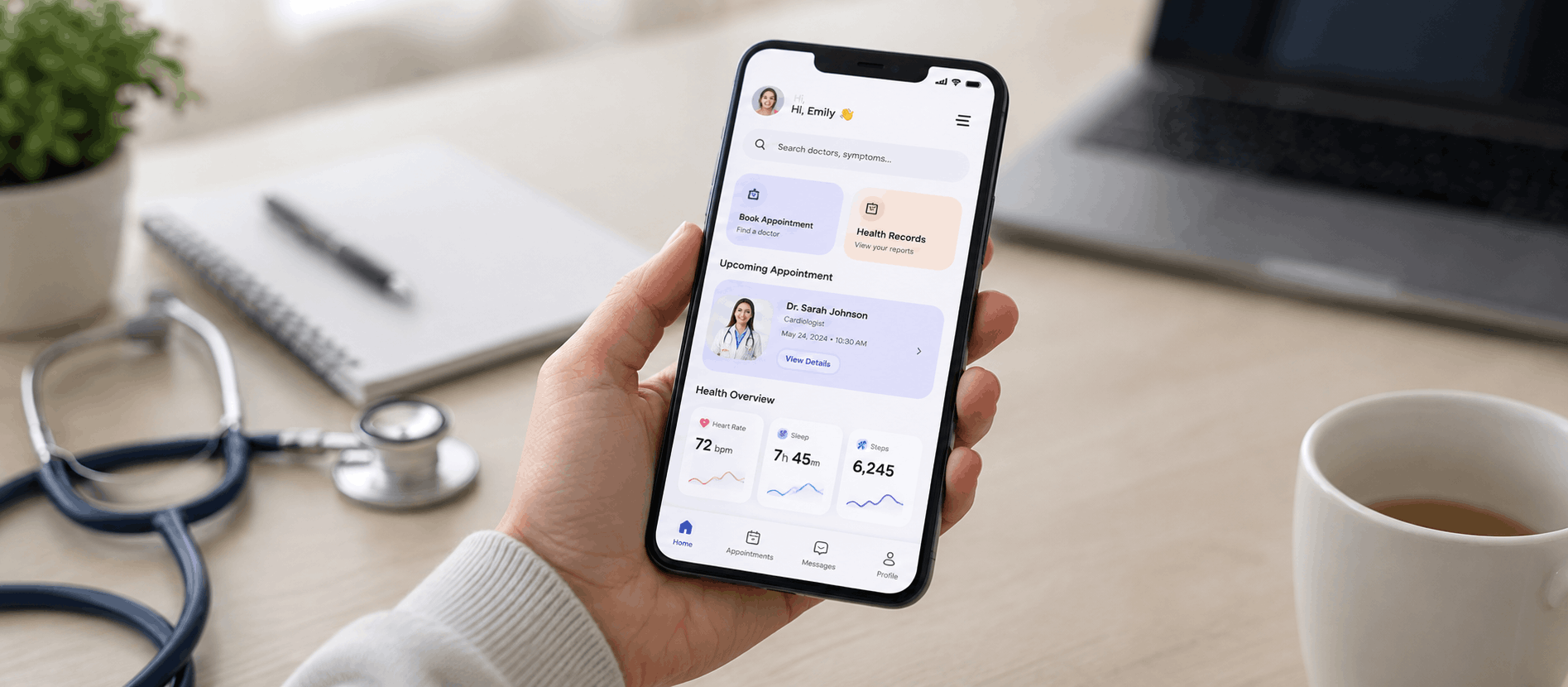
Short answer: Poorly made websites usually fail on the same fundamentals — slow load, unclear value, weak navigation, no mobile thought, and friction-heavy forms. Fix them in order: load speed first, then above-the-fold clarity, then mobile UX, then form/checkout simplification. A focused UX audit will surface the top 5 in a week. (Further reading: NN/g — top 10 web design mistakes.)
📅 Last updated: June 6, 2026
⏱ 4 min read · 976 words
A poorly made website UX doesn’t just look bad—it actively drives users away. Slow pages, confusing navigation, unclear messaging, and inaccessible design all contribute to frustration, low engagement, and lost conversions. In competitive digital markets, especially for service-driven businesses, fixing Websites UX issues is no longer optional. To improve your site’s performance, consider enhancing the Websites UX.
What Is Poor Website UX?
Poor Website UX (user experience) happens when users struggle to complete basic tasks on your website. This includes finding information, understanding value, navigating pages, or taking action.
Common symptoms include:
- High bounce rates
- Low conversion rates
- Frequent user complaints
- Short session durations
From a UX psychology standpoint, poor Websites UX increases cognitive load—the mental effort users need to understand your interface. When effort rises, trust drops.
Why Poor Website UX Happens (And Who Is Responsible)
Poor Websites UX rarely comes from one mistake. It’s usually the result of fragmented decisions across design, development, and business goals.
Common Causes
- Designing for aesthetics, not usability
- Ignoring user research and behavior data
- Outdated UI patterns
- Lack of accessibility standards
- No UX audits or usability testing
In many cases, stakeholders focus on what looks good instead of what works. This disconnect is where UI and UX fail together.
When Should You Fix Your Website UX?
You should address UX issues immediately if:
- Your traffic is growing but conversions are flat
- Users abandon forms or carts
- Mobile engagement is poor
- Support tickets repeat the same complaints
From an AEO and GEO perspective, search engines now measure user satisfaction signals. Poor UX directly affects rankings.
Step 1: Start With Websites UX Research (Not Assumptions)
Before redesigning anything, understand how real users behave.
What to Do
- Analyze heatmaps and session recordings
- Review analytics funnels
- Conduct usability tests
- Gather direct user feedback
This step answers key user-intent questions:
- Where are users getting stuck?
- Why are they leaving?
- What are they trying to achieve?
UX psychology teaches us that behavior matters more than opinions.
Step 2: Fix Navigation and Information Architecture
Best Practices
- Use clear, familiar labels
- Limit menu items
- Maintain logical page hierarchy
- Highlight primary actions
Good UI and UX design reduces decision fatigue and builds confidence.
Step 3: Improve Page Speed and Performance
Speed is UX. Period.
Why It Matters
- Users expect pages to load in under 3 seconds
- Slow sites increase bounce rates
- Performance impacts SEO and GEO rankings
Quick Fixes
- Optimize images
- Reduce scripts
- Use modern frameworks
- Test regularly on mobile
From a Best UI UX agency Austin perspective, performance optimization is a core Websites UX eliverable—not a technical afterthought.
Step 4: Design With UX Psychology in Mind
UX psychology explains why users behave the way they do.
Key Principles to Apply
- Visual hierarchy: Guide attention naturally
- Fitts’s Law: Make actions easy to reach
- Hick’s Law: Reduce choices
- Consistency: Build familiarity
Effective UI and UX design aligns with human behavior, not trends.
Step 5: Fix Content Clarity and Microcopy
UX isn’t just visuals. It’s also language.
What to Improve
- Headlines should explain value
- Buttons should state actions clearly
- Forms should guide, not confuse
- Error messages should help, not blame
Short, simple sentences improve voice recognition, AIO, and AEO performance.
Step 6: Ensure Accessibility for All Users
Accessible Websites UX benefits everyone.
Core Accessibility Fixes
- Proper color contrast
- Readable font sizes
- Keyboard navigation
- Screen-reader-friendly labels
From an ethical and E-E-A-T standpoint, inclusive design builds trust and authority.
Step 7: Test, Measure, and Iterate Continuously
Websites UX is never “done.”
What to Track
- Task completion rates
- Conversion improvements
- Engagement metrics
- User feedback trends
Regular testing ensures your UI and Websites UX evolve with user expectations.
Where Professional UX Help Makes a Difference
While basic fixes can be done in-house, complex UX problems require expertise.
A professional agency brings:
- Structured UX audits
- Research-backed decisions
- Cross-device optimization
- Business-aligned UX strategy
At AdvaitUX, our team works with startups and enterprises to transform poorly made websites into high-performing digital products—using real-world UX psychology and proven UI and UX frameworks.
Real-World UX Experience: What Actually Works
From years of virtual and remote Websites UX consulting, one insight stands out:
Small Websites UX improvements often deliver the biggest ROI.
Examples include:
- Simplifying a checkout flow
- Rewriting unclear CTAs
- Fixing mobile navigation
- Reducing form fields
These changes are simple, but deeply rooted in UX psychology and user behavior.
Conclusion: Fix Website UX to Build Trust, Growth, and Rankings
Poor Websites UX silently damages credibility, conversions, and search visibility. Fixing it requires understanding what users need, why they behave a certain way, and how design influences decisions.
Key Takeaways
- UX issues are business problems, not just design flaws
- UI and UX must work together
- UX psychology guides better decisions
- Continuous testing drives long-term success
If you’re looking to improve your website’s user experience or need guidance from a best UI UX agency in Austin, the team at AdvaitUX is available for consultation and support.
💡 Working on your own product? Start with a structured UX audit to surface the highest-impact friction in 1–3 weeks, or get in touch to scope a project with our Austin-based team. You can also see our recent UI/UX projects for examples.
About the Author
Darshan Italiya is the Founder & UX Lead at AdvaitUX, a UI/UX design agency based in Austin, TX. A Google-certified UI designer with 7+ years of experience and 70+ shipped product designs, he writes about user-centered design, UX strategy, and conversion-focused interfaces. Learn more about AdvaitUX or connect on LinkedIn.